Prefer to talk to someone?
Call a showroom
Uses your location once. Never saved or sent.
Open and close every shade from your phone, a Pebble® remote or your voice, or set them once and let them follow your day. PowerView® Automation works with most Hunter Douglas styles.
Control every shade your way
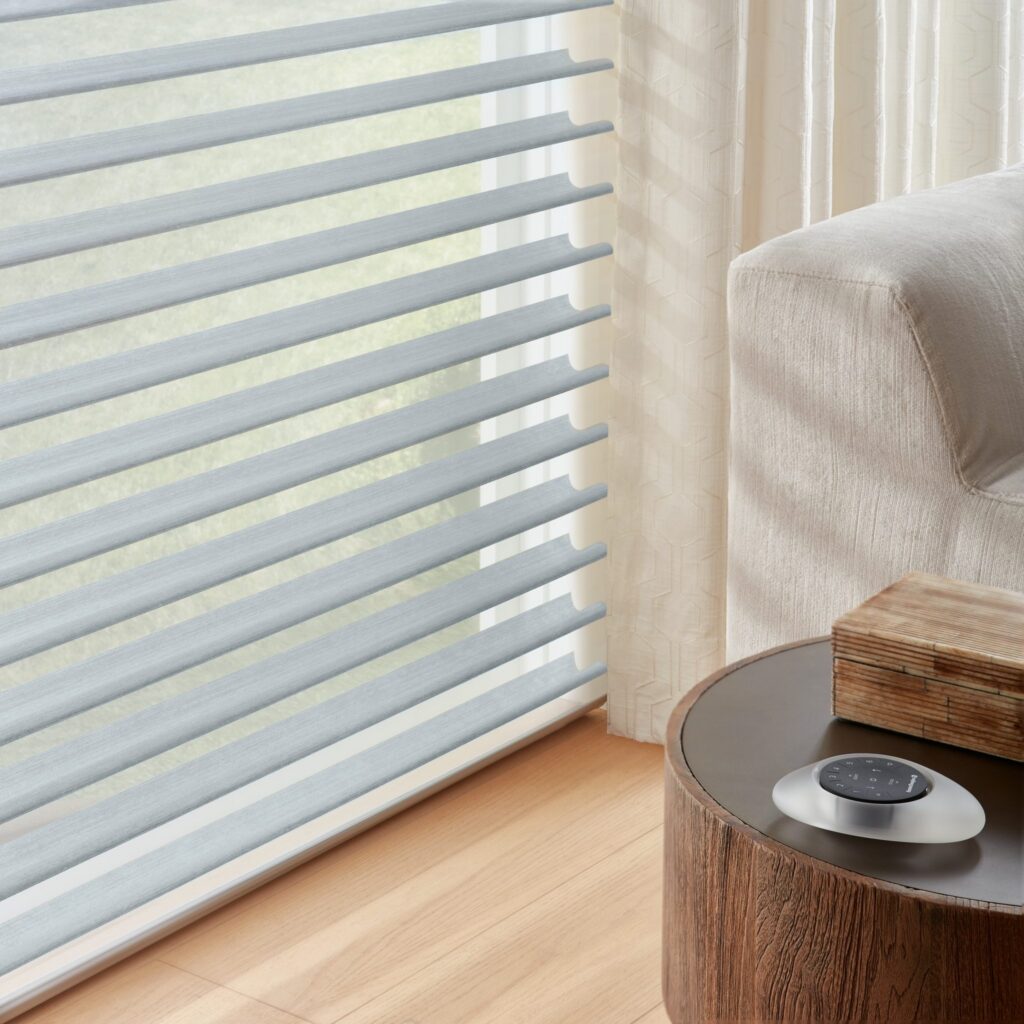
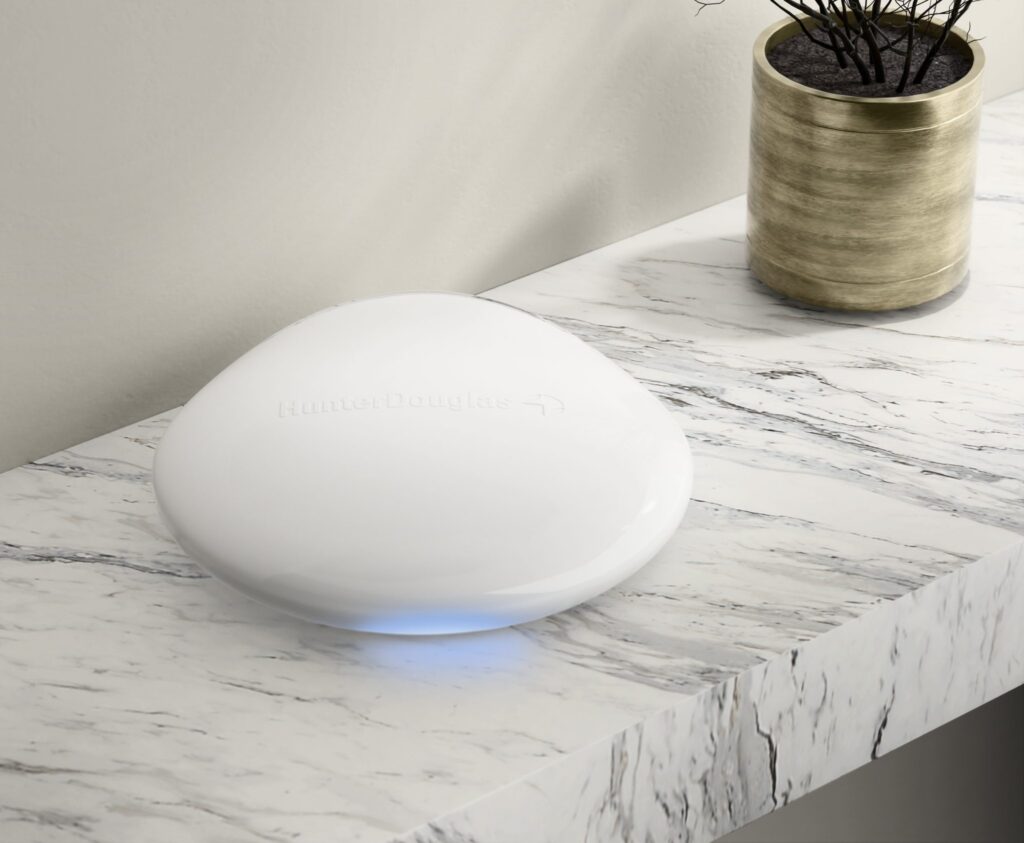
Window coverings on one Pebble® remote
Per charge on a rechargeable battery wand
Hunter Douglas products with PowerView®
Hunter Douglas offers change through the year. See all current offers.
Use one, or mix them. Every PowerView® shade works with the app, remotes and wall controls, and with the Gateway it joins your smart home.
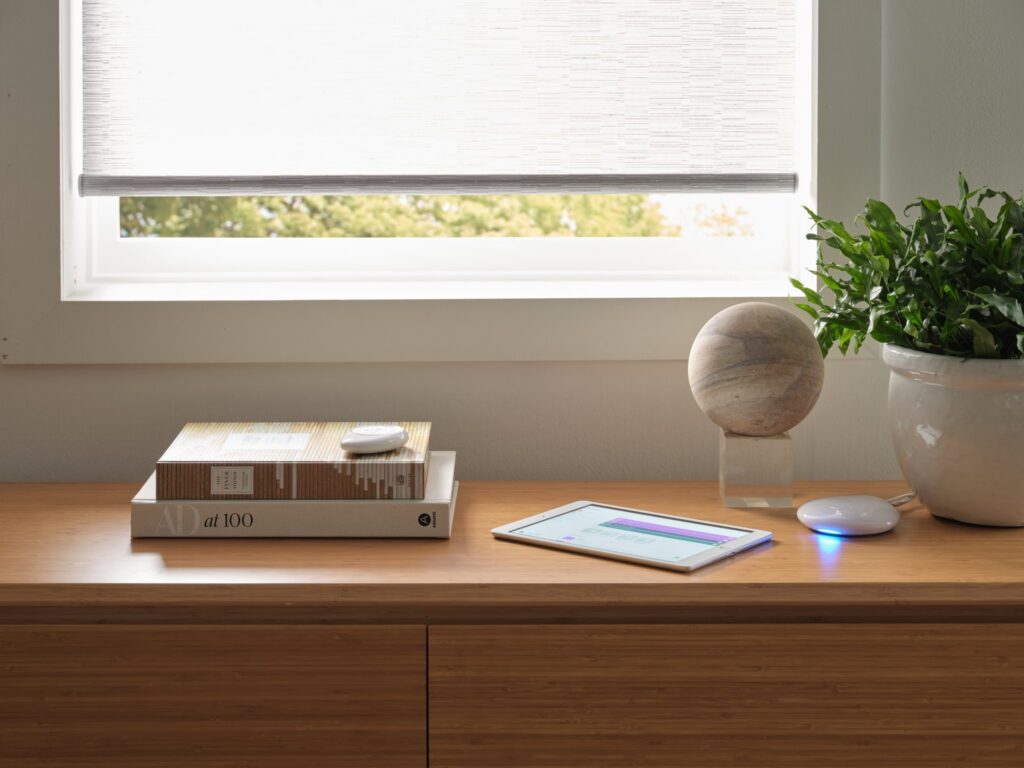
Open, close and schedule every shade from your phone or tablet, at home or away.
A smooth, hand-held remote for up to six window coverings. Mount it on the wall with a Pebble® Surface remote holder.
A wall control with up, down and stop buttons, right where you expect a switch.
With the PowerView® Gateway, your shades work with Amazon Alexa, Google Assistant and Apple Home.
Enjoy hands-free control with PowerView® Automation. With the PowerView® Gateway, your shades work with Amazon Alexa, Siri® on Apple devices and Google Assistant, so you can simply ask for the living room shades to open.
Add your shades to the smart home routines you already use, and manage everything from the PowerView® App, whether you’re home or on the go.
Control your shades with a button, a tap on your phone, a schedule or your voice.
Set shades to close on their own whenever you want more privacy.
Shades adjust through the day to help keep your home warmer in winter and cooler in summer.
Schedule shades to open and close while you’re away, so it looks like someone’s home.
No lift cords, so smart shades are a safer choice for homes with young children or pets.
In the PowerView® App, a scene moves several shades to just the right position at once. A “Good Morning” scene can raise the bedroom shades, while “Movie Night” lowers the living room shades to cut the glare.
Put scenes on a schedule and your shades open and close on their own, every day, whether you’re home or away. Change a schedule any time, or move one shade with a tap.
Move several shades with one tap
Shades open and close on their own
A short look at how PowerView® Automation works, from Hunter Douglas.
With PowerView® Automation there are no loose cords or dangling strings for little hands or curious paws, just a clean, streamlined look and peace of mind.
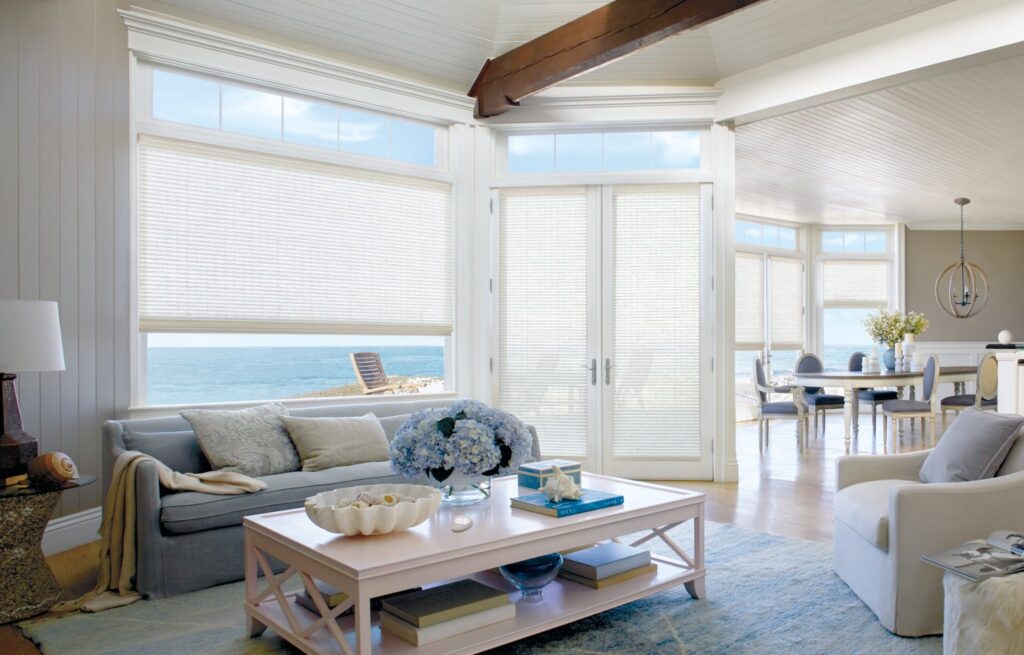
Shades, blinds and drapery that can all run on PowerView® Automation. See them working at either of our showrooms.
PowerView® Automation opens, closes and adjusts your shades from the PowerView® App, a Pebble® remote, a PowerView® Tap wall control or your voice. You can group shades into scenes, like “Good Morning” or “Movie Night”, and put those scenes on a schedule so your shades move on their own.
Yes. With the PowerView® Gateway, your shades work with Amazon Alexa, Google Assistant and Apple Home, so you can move them with your voice or include them in your smart home routines.
Most Hunter Douglas shade styles, including honeycomb, sheer, roller, Roman and woven shades, plus Aria™ Fabric Blinds, Skyline® Panel-Track Blinds and Palm Beach™ Polysatin™ Shutters. The list above shows every style we carry with PowerView®. Visit either of our showrooms to see them working.

In the PowerView® App, create a scene with the shades you want to move, then add a schedule: pick the days and a time, or tie it to sunrise or sunset. Your shades follow it every day, whether you are home or away, and you can change it any time.
Try the Pebble® remote and the app on real shades at either of our showrooms, or have a design consultant bring PowerView® to you.
Uses your location once. Never saved or sent.
We'll be in touch shortly.